
Snapchat Streak Lost? How to Restore It in 2026
If your Snapchat Streak disappeared, you may still be able to get it back. Snapchat provides an in-app Restore option for eligible recently expired Streaks. If the restore does not work, you can submit a request through Snapchat Support. The important thing is to act quickly. Snapchat does not publish one fixed number of hours […]
Baby Grok: What We Know About xAI’s AI App for Kids

Baby Grok is the name Elon Musk gave to a planned xAI app focused on kid-friendly content. Musk announced it in July 2025, but xAI has yet to publish a detailed standalone product announcement covering its release date, pricing, supported ages, or complete feature set. More than a year later, that distinction matters. Baby Grok […]
Twitter Shadowban Check: How to Tell If Your X Account Is Shadowbanned in 2026
Yes, you can check your X account for signs of a shadowban by testing profile visibility, search results, search suggestions, and reply visibility from another account or an outside view.But “shadowban” is not an official X account status, so a failed test points to a visibility or search restriction rather than a secret label on […]
How to Make Money on X in 2026: A Practical Guide to X Monetization

Yes, you can make money on X, but you do not need millions of followers to start earning. The best approach is to combine X’s own monetization features with income from products, services, affiliates, sponsorships, or subscriptions. The important part is understanding which method fits your account, because X’s monetization rules and programs are changing […]
How Does Snap Score Work? (2026 Guide)
Your Snap Score is a running number on your Snapchat profile that reflects your cumulative activity on the app. It is not a follower count, not a popularity rank, and not something Snapchat makes easy to reverse-engineer. According to Snapchat’s own help center, the score is determined by a “super-secret, special equation” combining Snaps sent, […]
Top 40 Social Media Platforms of 2026

Over 5.17 billion people use social media in 2026. That is 64.6% of the global population, and the number keeps climbing. But more users across more platforms does not make the choice easier. If anything, it makes it harder. A brand that tries to maintain a presence on every platform ends up doing nothing well. […]
How to Write Tweets That Get Engagement in 2026
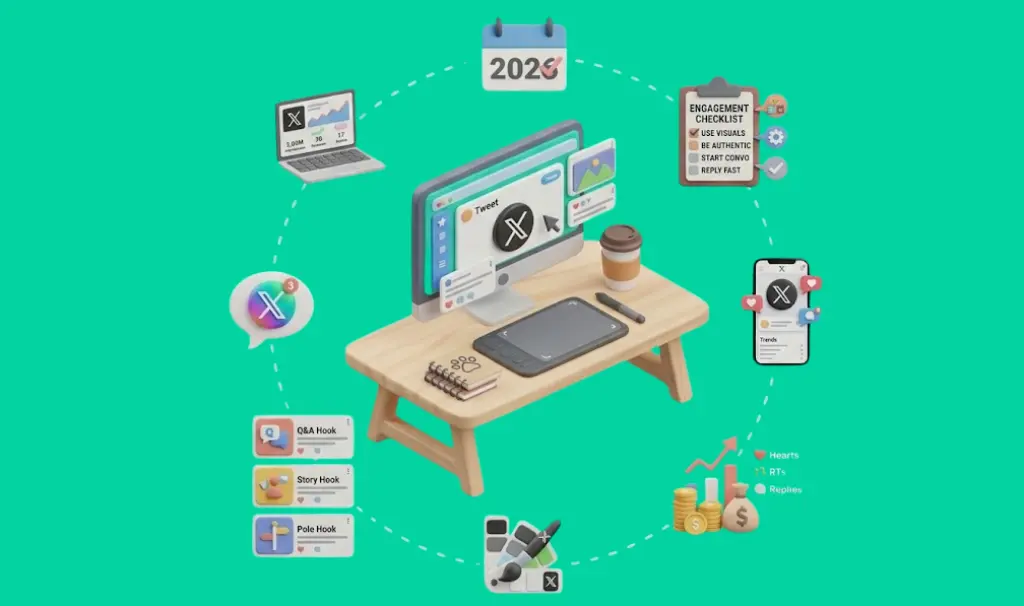
Most tweets disappear. Not because the idea was bad, but because the writing did not give it a chance. The hook was weak, the formatting was a wall of text, or the first line told readers what the tweet was about instead of making them need to know. Writing better tweets is a craft skill, […]
What Are Tweet Impressions? Complete Guide to X Impressions
If you see 10,000 impressions on a tweet, that does not necessarily mean 10,000 different people saw it. Impressions measure total exposure, while unique reach measures the number of individual people who saw your content. In this guide, you’ll see exactly what tweet impressions mean, how X counts them, how impressions differ from views, reach, […]
Facebook Pixel Setup Guide 2026: Complete Installation & Tracking Tutorial
Meta Pixel (still widely called Facebook Pixel) is a JavaScript snippet you install on your website that tracks what visitors do after clicking your ads. Without it, you have no visibility into which campaigns drive actual conversions, no way to retarget visitors who did not convert, and no data for Meta’s algorithm to optimize against. […]
Can People See What You Search on Twitter (X)?

No. Other users cannot see your Twitter (X) search history. Not your followers, not the people you search for, not anyone browsing your profile. Your searches are visible only to you and to X itself. That said, X does store your search data and uses it in ways worth understanding: to personalize your feed, serve […]